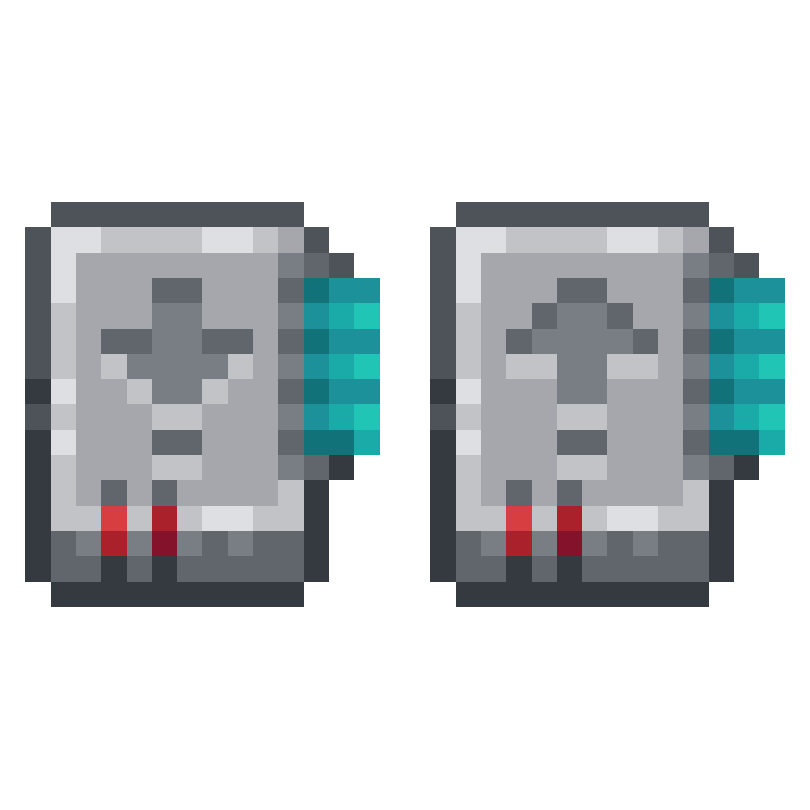
AE2 Import Export Card Guide: Wireless Inventory Management for Applied Energistics 2
AE2 Import Export Card adds two powerful upgrade cards for Applied Energistics 2 Wireless Terminals. The Insert Card automatically dumps items from your inventory into your ME system, while the Export Card pulls items out. Configure filters, select inventory slots, and even auto-craft missing items, all without touching a cable.
Overview
AE2 Import  Export Card is an addon for Applied Energistics 2 that adds two upgrade cards for your Wireless Terminals: the
  Insert Card and the Export Card. These cards let you automatically transfer items between your player inventory and your ME network without needing to manually drag items around. The Insert Card watches specific inventory slots and pushes matching items into your ME system, while the Export Card pulls items from your ME system into designated slots in your inventory.
Both cards work passively while your Wireless Terminal is in your inventory and within range of your ME network. You configure which slots to watch and what items to filter, then the cards handle everything automatically on each game tick. The mod also supports fluids, Fuzzy matching, blacklist filtering with an Inverter Card, and auto-crafting with a Crafting Card. You can browse the two items this mod adds and their crafting recipes using the tabs on this page.
Prerequisites
This mod requires Applied Energistics 2 and will not function without it. Before crafting either card, you need a working ME network with storage and a Wireless Terminal or Wireless Crafting Terminal. The crafting recipes use AE2 components like Engineering Processors, Calculation Processors, an Advanced Card, and an Import Bus or Export Bus, so you should be well into mid-game AE2 progression before these cards become available.
If you have the AE2 Wireless Terminals (ae2wtlib) mod installed, both cards are also compatible with the Universal Terminal from that addon.
Getting Started
- 1
Craft an Insert Card or Export Card
Both recipes require Engineering Processors, Calculation Processors, Redstone Blocks, and an Advanced Card. The
Insert Card also needs an Import Bus, while the Export Card needs an Export Bus. Craft whichever card fits your current need. Most players start with the Insert Card to automatically offload items while exploring or mining. - 2
Install the Card in Your Wireless Terminal
Open your Wireless Terminal (or Wireless Crafting Terminal) and look for the upgrade slot on the right side of the interface. Place your
Insert Card or Export Card into that slot. Each terminal can hold one of each card type. - 3
Open the Card Configuration Screen
With the card installed, you'll see new buttons on the left side of the Wireless Terminal interface. Click the button for the card you want to configure. This opens the card's configuration screen, which shows your inventory at the bottom, filter slots at the top, and an upgrade panel.
- 4
Set Up Your Item Filters
Drag items from your inventory into the 18 filter slots at the top of the configuration screen. For the
Insert Card, these define which items will be pulled from your inventory into the ME system (or which items to exclude, if you add an Inverter Card). For the Export Card, these define which items will be pulled from the ME system into your inventory. - 5
Select Inventory Slots to Watch
Click on the inventory slots at the bottom to mark them. For the
Insert Card, clicking a slot toggles a checkmark, indicating that items in that slot matching your filter will be imported. For the Export Card, clicking cycles through numbers 1 through 18, each number corresponding to one of the filter slots at the top. Right-click any slot to clear its selection. You can also use the mass-select button to toggle an entire row at once.
Once configured, the cards work passively every game tick as long as your Wireless Terminal is in your inventory and you are within range of your ME network. You do not need to have the terminal open for the cards to function.
The Insert Card
The Insert Card monitors selected slots in your inventory and automatically pushes matching items into your ME network's storage. Think of it as a personal Import Bus that follows you wherever you go. This is incredibly useful for mining trips, where Cobblestone, Dirt, and other bulk materials can be automatically offloaded to your ME system without filling up your inventory.
When you open the Insert Card's configuration screen, you'll see your full inventory displayed at the bottom. Click any slot to toggle a checkmark on it. Any item in a checkmarked slot that matches your filter will be sent to your ME system. The filter slots along the top accept up to 18 different item types. By default, the filter acts as a whitelist, meaning only items in the filter will be imported. Adding an Inverter Card to the upgrade panel switches this to a blacklist, so everything except the filtered items gets imported.
Insert Card Upgrades
The Insert Card has 2 upgrade slots and supports two upgrades. The Fuzzy Card enables fuzzy matching on filters, allowing items to match based on damage percentage rather than exact item type. This is useful when you want to import all damaged tools regardless of their specific durability. The Inverter Card flips the filter from whitelist mode to blacklist mode, letting you specify items to keep rather than items to import.
Fluid Import
The Insert Card also handles fluids. If you have a fluid container in a selected slot (such as a filled Bucket) and the filter contains a matching fluid type, the card will drain the fluid from the container and store it in your ME system's fluid storage. This works with any item that exposes the Forge fluid capability.
Insert Card Recipe

The Export Card
The Export Card is the mirror of the Insert Card. Instead of pushing items into your ME system, it pulls items from your ME network and places them into designated slots in your inventory. This is perfect for keeping a constant supply of specific items on hand, like building materials, food, or ammunition. As you consume items, the Export Card automatically replenishes them from your ME storage.
The Export Card's configuration screen works differently from the Insert Card. The filter slots at the top define which items to export. When you click an inventory slot at the bottom, it cycles through numbers 1 through 18, with each number corresponding to a filter slot. This means you can map different items to different inventory positions. For example, set filter slot 1 to Torches and filter slot 2 to Cooked Beef, then assign your hotbar slots accordingly. Right-clicking a slot clears it back to unselected.
Export Card Upgrades
The Export Card has 3 upgrade slots and supports three types of upgrades. The Speed Card (called Acceleration Card in some AE2 versions) dramatically improves transfer speed from 1 item per tick to a full stack of 64 items per tick, making inventory restocking almost instant. The Crafting Card enables automatic crafting requests. When an item you've configured for export isn't available in your ME system, the card will check if it can be auto-crafted and submit a crafting job for it. The Fuzzy Card works the same as on the Insert Card, allowing fuzzy matching by damage percentage.
Fluid Export
The Export Card can also fill fluid containers in your inventory. If you have an empty Bucket or other fluid container in a selected slot and the corresponding filter specifies a fluid, the card will extract that fluid from your ME system and fill the container. With a Speed Card installed, it transfers up to a full bucket per tick instead of the default 1000 mB.
Export Card Recipe
Without a Speed Card, the Export Card only transfers 1 item per tick. With a Speed Card installed, it transfers up to 64 items per tick. If you're using the Export Card to keep stacks of materials in your inventory, always install a Speed Card or the restocking will feel painfully slow.
Insert Card vs Export Card
| Insert Card | Export Card | |
|---|---|---|
| Function | Inventory → ME System | ME System → Inventory |
| Upgrade Slots | 2 | 3 |
| Compatible Upgrades | Fuzzy Card, Inverter Card | Fuzzy Card, Speed Card, Crafting Card |
| Slot Selection | Toggle (checkmark on/off) | Numbered (1-18 filter mapping) |
| Filter Slots | 18 | 18 |
| Fluid Support | Yes (drains containers) | Yes (fills containers) |
| Stack Size | 1 | 1 |
Compatible Terminals
Both cards work with the standard AE2 Wireless Terminal and the Wireless Crafting Terminal. If you have the AE2 Wireless Terminals (ae2wtlib) mod installed, they also work with the Universal Terminal from that mod. Each terminal can hold one Insert Card and one Export Card simultaneously, letting you both import and export items at the same time.
The cards only function when the terminal is in your inventory (not in a Shulker Box or other container) and when you are within wireless range of your ME network. If you move out of range, the cards pause until you return. Range is determined by your Wireless Access Point's range, which can be extended with Wireless Boosters.
The cards perform a range check on every tick. If your Wireless Terminal is out of range of your Wireless Access Point, both cards stop working silently. There is no visual indicator that they've stopped. Make sure your wireless range covers all the areas where you want automatic item transfer.
Auto-Crafting with the Export Card
One of the most powerful features of the Export Card is its support for the Crafting Card upgrade. When installed, the Export Card checks whether the requested item is available in your ME system. If the item isn't in storage but has an auto-crafting pattern set up, the card automatically submits a crafting job to produce it. The card uses the CRAFT_LESS calculation strategy, which means it only requests the minimum amount needed.
This is incredibly useful for consumable items like Torches, Arrows, or food. Set up crafting patterns for these items in your ME system, configure the Export Card to keep them in your hotbar, and you'll never run out. The card checks if a crafting request is already pending before submitting a new one, so it won't spam your crafting system with duplicate jobs.
Frequently Asked Questions
Do the cards work while the Wireless Terminal is in my inventory but not open?
Yes. The cards operate on every game tick via the Wireless Terminal's inventory tick handler. You do not need to have the terminal GUI open for import or export to happen. The terminal just needs to be somewhere in your inventory and within wireless range.
Can I use both an Insert Card and an Export Card at the same time?
Yes. Each Wireless Terminal has separate upgrade slots, and you can install one Insert Card and one Export Card simultaneously. They operate independently, so you can import junk items while exporting supplies at the same time.
Does this mod work with the AE2 Wireless Terminals (ae2wtlib) Universal Terminal?
Yes. The mod explicitly checks for ae2wtlib and registers both cards as compatible upgrades for the Universal Terminal if the mod is loaded. Configuration and functionality work identically to the standard Wireless Terminal.
How do I switch the Insert Card filter from whitelist to blacklist?
Install an Inverter Card into the Insert Card's upgrade slot. This flips the filter behavior so that items matching the filter are kept in your inventory, and everything else is imported into your ME system. The Inverter Card is only supported on the Insert Card, not the Export Card.
Why is my Export Card only moving 1 item at a time?
Without a Speed Card upgrade, the Export Card transfers only 1 item per game tick. Install a Speed Card (Acceleration Card) into one of the Export Card's upgrade slots to increase the transfer rate to 64 items per tick.
Can the cards handle fluids?
Yes. The Insert Card can drain fluid from containers (like filled Buckets) in selected inventory slots and store the fluid in your ME system. The Export Card can fill empty fluid containers from your ME system's fluid storage. Set the appropriate fluid type in the filter slots for this to work.