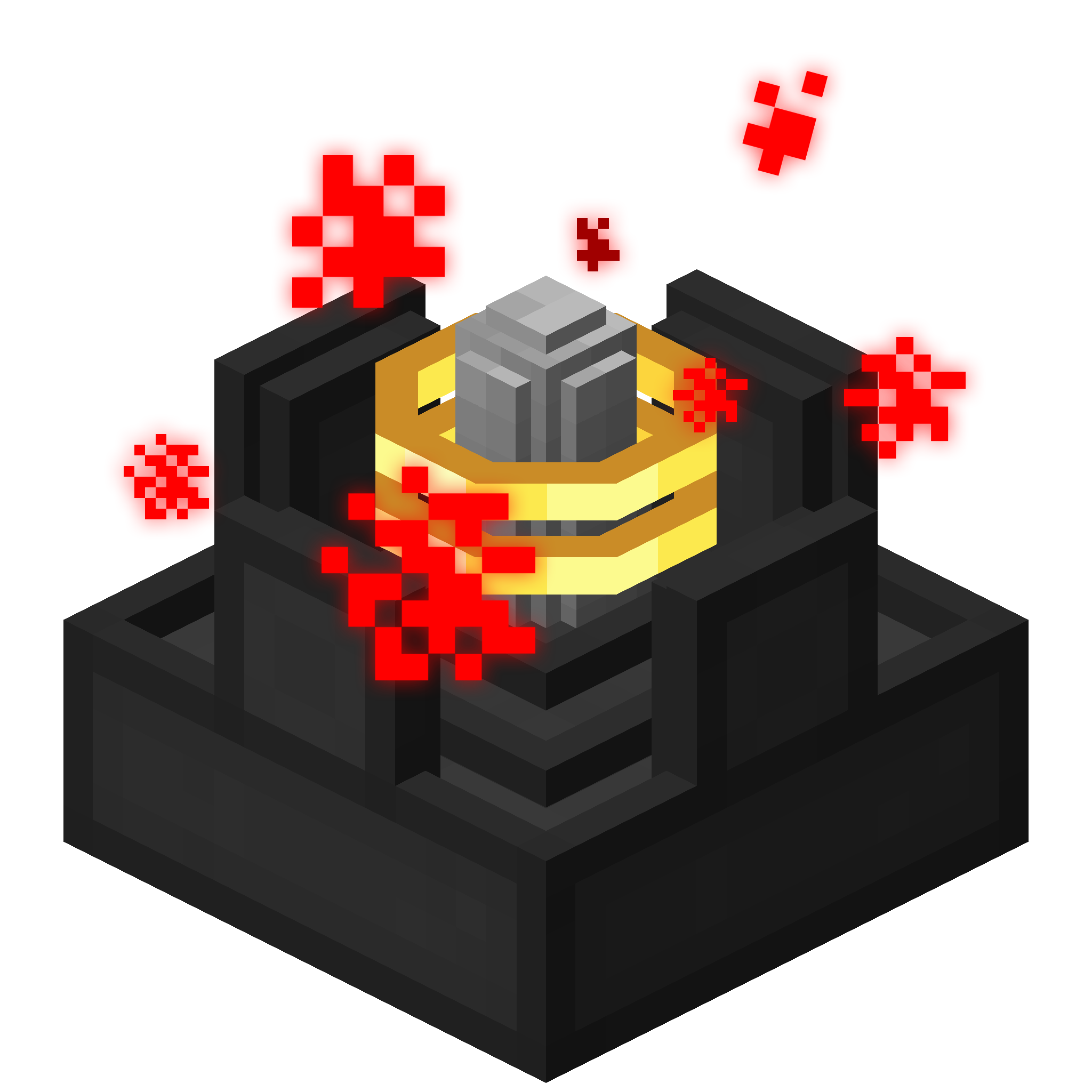
Wireless Chargers Mod Guide: Effortless Energy for Your Blocks and Inventory
Wireless Chargers adds four blocks that wirelessly transfer Forge Energy to nearby machines and player inventories. Place a charger, feed it power, and everything within range stays topped off automatically. It's a simple, elegant solution to the cable spaghetti problem.
Overview
Wireless Chargers is a utility mod that solves one of modded Minecraft's most common headaches: running energy cables to every single machine and device. The mod adds four blocks, two types of Block Chargers and two types of Player Chargers, each in Basic and Advanced tiers. Block Chargers wirelessly push Forge Energy into nearby machines, while Player Chargers push energy into items sitting in your inventory.
The concept is straightforward. Place a charger, pipe energy into it from any side except the top, and it automatically distributes that energy to everything within its range. No cables, no conduits, no item transfer pipes needed. You can browse the full item list and crafting recipes using the tabs at the top of this page.
Getting Started
- 1
Gather Your Materials
The Basic Chargers require fairly accessible materials: Iron Ingots, an Ender Pearl, a Redstone Block, and either Glowstone Dust (for the Block Charger) or a Gold Ingot (for the Player Charger). If you have a basic modded setup with energy generation, you likely already have these on hand.
- 2
Craft Your First Charger
Decide whether you need a Block Charger or a Player Charger first. If you have machines clustered together that need power, start with the
 Basic Wireless Block Charger. If you carry RF-powered tools and armor, go with the
  Basic Wireless Player Charger. Check the Recipes tab for exact crafting layouts.
 - 3
Place and Power the Charger
Place the charger in a central location near your machines or work area. Connect an energy source (cables, conduits, or any Forge Energy transport) to any side except the top. The charger accepts energy at up to 5,000 FE/t for Basic models and 20,000 FE/t for Advanced models, so even fast energy sources won't be bottlenecked.
- 4
Check the GUI and Highlight the Area
Right-click the charger to open its interface. You'll see an energy bar showing current stored energy, a button to toggle the area highlight, and a Redstone Mode button. Click the highlight button to see the exact range boundary rendered in-world, which makes it easy to confirm all your machines or your work area fall within the charging zone.
- 5
Upgrade to Advanced When Ready
Once your base grows, craft the Advanced versions. They require the corresponding Basic Charger as an ingredient plus Blaze Powder, giving 4x the transfer rate and a larger range. The Advanced Block Charger covers a 7x7x7 area at 200 FE/t per block, and the Advanced Player Charger reaches a full 13x13x13 area.
Block Chargers
Block Chargers scan their surrounding area for any block entity (machine, battery, cell, etc.) that can receive Forge Energy and automatically push energy into it. They work with any mod's machines, whether it's a Mekanism Metallurgic Infuser, a Thermal Expansion Pulverizer, or an Applied Energistics ME Controller. If the block accepts FE through any face, the charger will find it and power it.
The charger scans 5 block positions per tick to discover new chargeable blocks, so there's a brief delay after placement before it finds everything in range. It remembers discovered blocks and continues charging them each tick without needing to re-scan. One important detail: chargers will not charge other chargers. This prevents energy loops where two chargers try to feed each other.
Basic Wireless Block Charger
The Basic model covers a 5x5x5 area centered on itself, stores up to 25,000 FE internally, and transfers energy at 50 FE/t per block. This is enough for early-game machines that don't draw much power, but it can quickly run dry if you have many hungry machines within range.
Advanced Wireless Block Charger
The Advanced model expands coverage to a 7x7x7 area, quadruples storage to 100,000 FE, and pushes 200 FE/t per block. It requires a Basic Wireless Block Charger as a crafting ingredient along with Blaze Powder, making it a natural progression once you've been to the Nether.
The transfer rate (50 or 200 FE/t) applies independently to each block or player in range. A Basic Block Charger powering 5 machines simultaneously outputs up to 250 FE/t total. Make sure your energy input can keep up with the combined demand.
Player Chargers
Player Chargers work differently from Block Chargers. Instead of scanning for machines, they detect players within range and push energy into every item in their inventory that can accept it. This includes RF-powered tools, modded armor, Flux-infused weapons, jetpacks, and anything else that uses Forge Energy. The charger iterates through every inventory slot and charges each item individually.
Basic Wireless Player Charger
The Basic Player Charger has a generous 9x9x9 range (larger than the Block Charger equivalent), stores 25,000 FE, and charges at 50 FE/t per player. The recipe uses a Gold Ingot on top instead of Glowstone Dust, which distinguishes it visually and thematically from the Block Charger line.
Advanced Wireless Player Charger
The Advanced Player Charger is the longest-range block in the mod, covering a massive 13x13x13 area. It stores 100,000 FE and transfers at 200 FE/t per player. Place one near your crafting area, storage system, or base entrance and you'll never have to manually charge your gear again. The recipe uses Gold Ingots (matching the Basic Player Charger line) plus Blaze Powder for the upgrade.
Charger Comparison
| Basic Block Charger | Advanced Block Charger | Basic Player Charger | Advanced Player Charger | |
|---|---|---|---|---|
| Target | Blocks | Blocks | Players | Players |
| Range | 5x5x5 | 7x7x7 | 9x9x9 | 13x13x13 |
| Energy Storage | 25,000 FE | 100,000 FE | 25,000 FE | 100,000 FE |
| Transfer Rate | 50 FE/t | 200 FE/t | 50 FE/t | 200 FE/t |
| Max Input Rate | 5,000 FE/t | 20,000 FE/t | 5,000 FE/t | 20,000 FE/t |
| Key Ingredient | Glowstone Dust | Basic Block Charger + Blaze Powder | Gold Ingot | Basic Player Charger + Blaze Powder |
The Charger GUI
Right-clicking any charger opens a compact interface with three elements. On the left is an energy bar showing how much FE is currently stored versus the maximum capacity. On the right side are two buttons: the Area Highlight toggle and the Redstone Mode control.
Area Highlight
Toggling the area highlight renders a visible boundary in the world showing exactly which blocks fall within the charger's operating range. This is invaluable when setting up your base layout, as you can see precisely where to place machines or where you need to stand for player charging. The highlight persists until you toggle it off.
Redstone Mode
The Redstone Mode button cycles through three states. "Disabled" means the charger runs regardless of Redstone signal (this is the default). "High" means it only operates when receiving a Redstone signal. "Low" means it only operates when there is no Redstone signal. This lets you wire chargers into your automation systems or toggle them on and off with a lever.
Chargers accept energy from any side except the top. If your energy cables aren't connecting, make sure you're attaching to the bottom or any of the four sides. The top face is reserved for the charger's visual model and does not accept connections.
Crafting Recipes
All four chargers follow a similar crafting pattern. The Basic models use a 3x3 shaped recipe with Iron Ingots forming the frame, an Ender Pearl in the center, and a Redstone Block at the bottom center. The top center slot determines the charger type: Glowstone Dust for Block Chargers, Gold Ingot for Player Chargers.
The Advanced models use the corresponding Basic Charger in the center slot, add Blaze Powder on both sides of the bottom row, and keep the Redstone Block at the bottom center. For the Advanced Block Charger, the frame stays Iron, while the Advanced Player Charger upgrades the frame to Gold Ingots. See the Recipes tab for the full visual layouts.
Configuration
Wireless Chargers stores its configuration in a TOML file (wirelesschargers.toml). Every charger has three configurable values: range, energy capacity, and transfer rate. All values can be adjusted within sensible bounds.
Configuration Defaults and Ranges
| Basic Block Charger Range | 2 (min 1, max 5) |
| Basic Block Charger Capacity | 25,000 FE (min 1K, max 10M) |
| Basic Block Charger Transfer Rate | 50 FE/t (min 10, max 10K) |
| Advanced Block Charger Range | 3 (min 1, max 5) |
| Advanced Block Charger Capacity | 100,000 FE (min 1K, max 10M) |
| Advanced Block Charger Transfer Rate | 200 FE/t (min 10, max 10K) |
| Basic Player Charger Range | 4 (min 1, max 10) |
| Advanced Player Charger Range | 6 (min 1, max 10) |
| Player Charger Capacities | 25K / 100K FE (same bounds as block) |
| Player Charger Transfer Rates | 50 / 200 FE/t (same bounds as block) |
The range config value is a radius, not the full area size. A range of 2 means 2 blocks in every direction from the charger, creating a 5x5x5 area (2*2+1 = 5). If you set the Advanced Block Charger range to 5, it will cover an 11x11x11 area. The Player Charger range can go up to 10, giving a maximum 21x21x21 area on servers where pack makers want very large coverage.
Additional Features
Waterlogging
All charger blocks support waterlogging. You can place them in water source blocks and they'll function normally while allowing water to flow through their space. This is useful for underwater base builds or compact designs where water is part of the aesthetic.
Particle Effects
When a charger is actively transferring energy, it emits red Redstone Dust particles. The chance of particles spawning scales with how full the charger's internal buffer is, so a fully charged charger produces more particles than one that's nearly empty. This gives a nice visual indicator that the charger is working without needing to open the GUI.
Redstone Integration
Chargers can connect to Redstone from any direction except the top, matching the energy input restriction. Combined with the three Redstone Modes (Disabled, High, Low), this enables practical automation. For example, set a Player Charger to "High" mode and wire it to a pressure plate so it only runs when someone is standing in your crafting area, saving energy when nobody is home.
Frequently Asked Questions
Does Wireless Chargers work with machines from other mods?
Yes. Block Chargers work with any block that exposes a Forge Energy (FE) capability. This includes machines from Mekanism, Thermal Expansion, Industrial Foregoing, Immersive Engineering, and virtually any other Forge-based tech mod. If it accepts FE through any face, the charger will find and power it.
Why is my charger not charging my machines?
Check three things. First, make sure you placed a Block Charger and not a Player Charger. Second, verify the machines are within range by toggling the area highlight in the charger's GUI. Third, ensure the charger actually has energy. If the energy bar is empty, your power source may not be connected properly (remember, no input from the top face).
Can I stack multiple chargers for faster transfer?
Yes. If multiple chargers have overlapping ranges covering the same block or player, each one will independently transfer energy at its own rate. Two Basic Block Chargers covering the same machine will effectively transfer 100 FE/t to that machine. However, chargers will not charge other chargers, so you can't daisy-chain them.
Does the Player Charger charge items in Curios slots or Baubles?
The Player Charger iterates through the player's standard inventory (all 36 slots plus armor). Whether it charges items in modded equipment slots (Curios, Baubles) depends on whether those mods expose their slots through the standard inventory container. In most cases, standard inventory items including hotbar, main inventory, and armor slots are all charged.
Can I use Wireless Chargers on a server?
Absolutely. All charger logic runs server-side, and the mod works perfectly in multiplayer. Server admins can adjust all stats through the config file to balance the mod for their pack or server. The configurable range limits (max 5 for block chargers, max 10 for player chargers) help prevent potential performance issues from excessively large scan areas.